Find how any part of your Room works.
34 short articles, sorted by the part of the Room they cover. And a real person, if the answer isn't here.
Watch it done.
Short videos of the things people ask about most, each one task from start to finish. Every step is captioned.
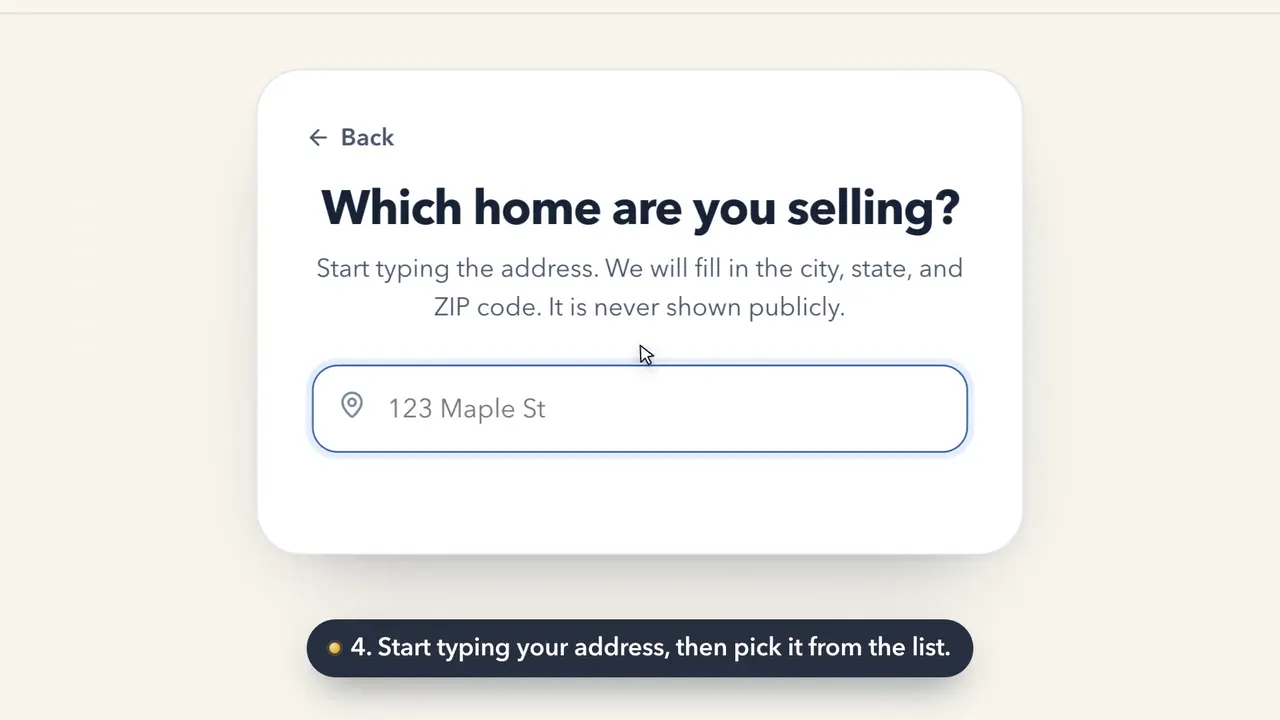 1:35How to set up your RoomHow do I sign up for Keighbor and set up my Room?
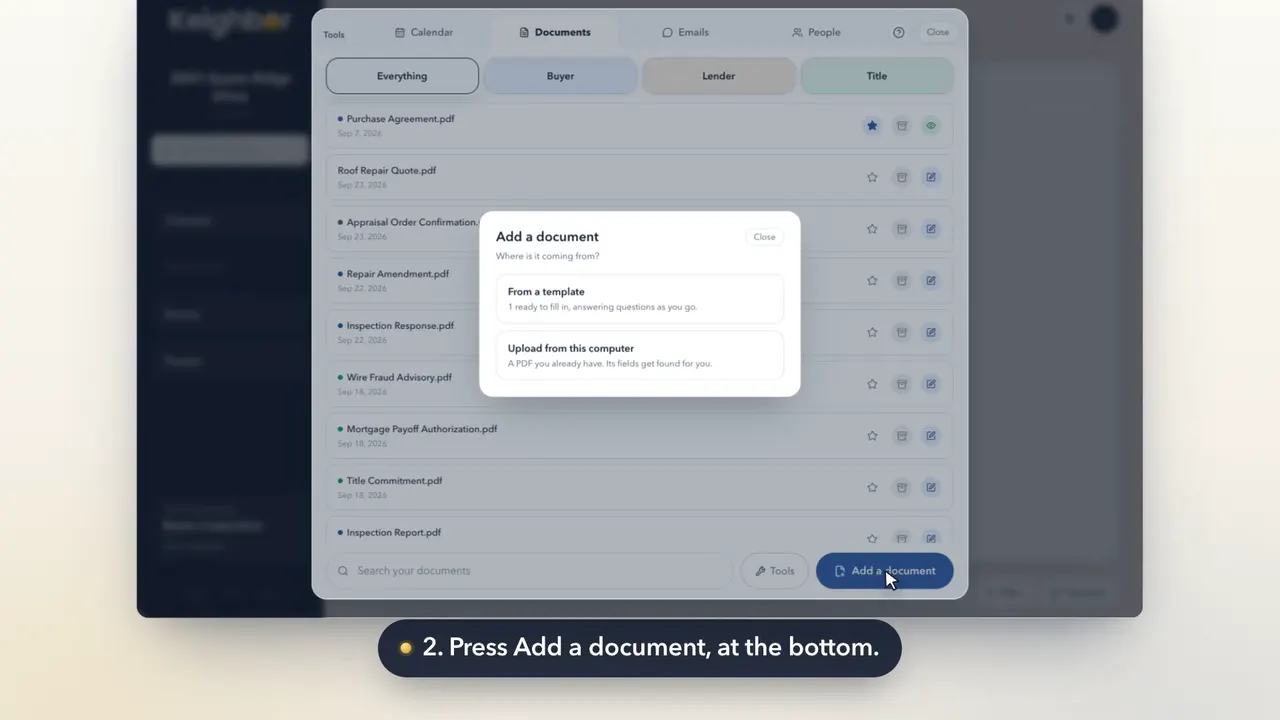 0:21How to add a documentHow do I upload a document to my Room?
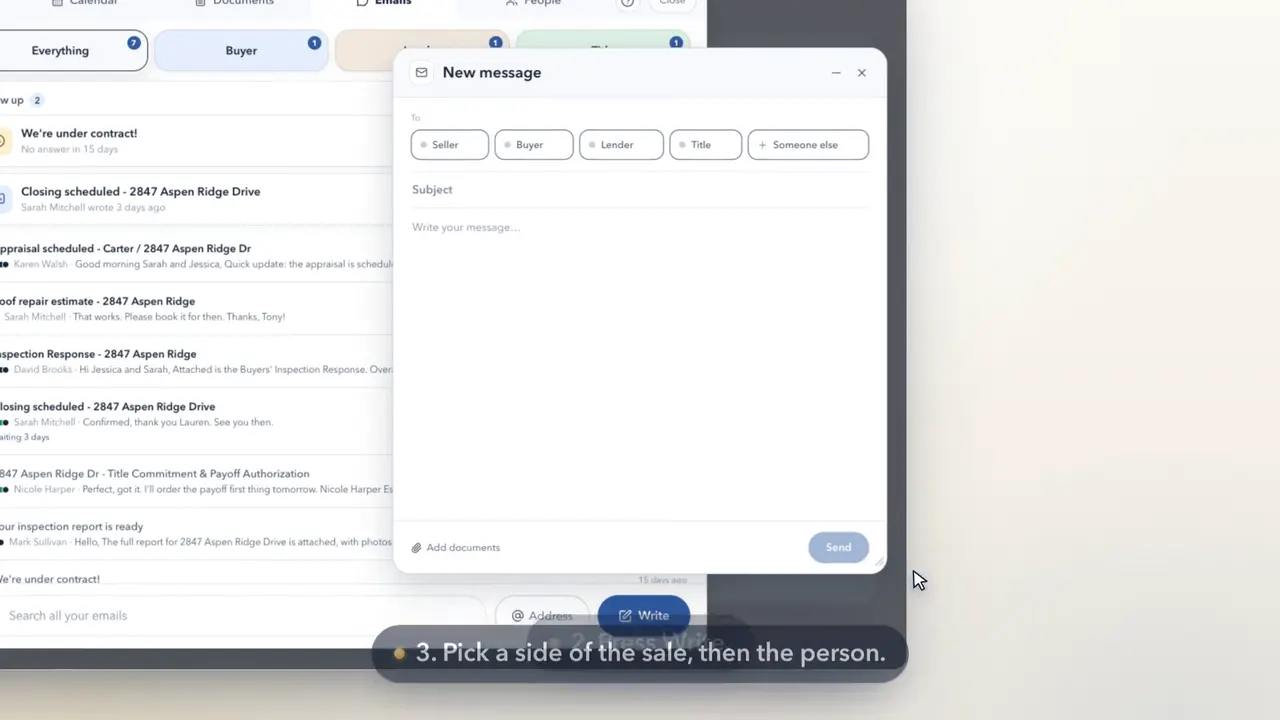 0:26How to write an email from your roomHow do I send an email from Keighbor?
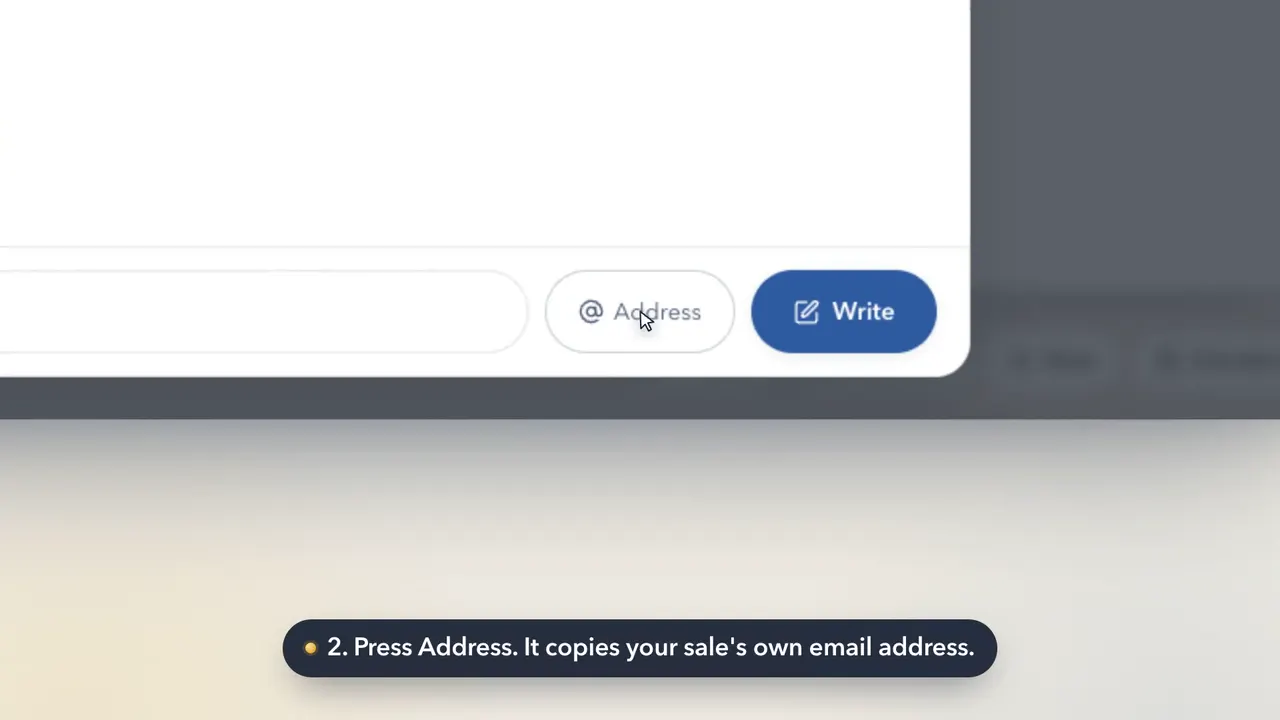 0:26How to use your sale's email addressWhat is my sale's email address, and who do I give it to?
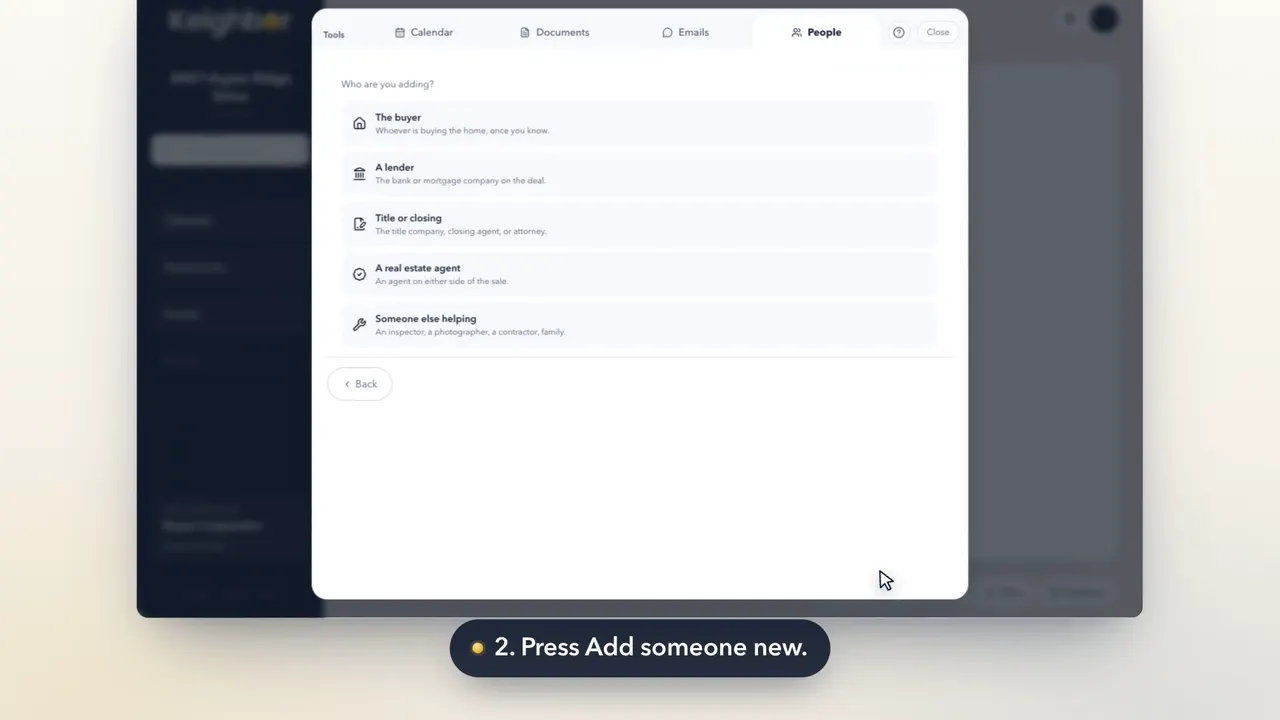 0:25How to add someone to your saleHow do I add a person, like a mover or an inspector?
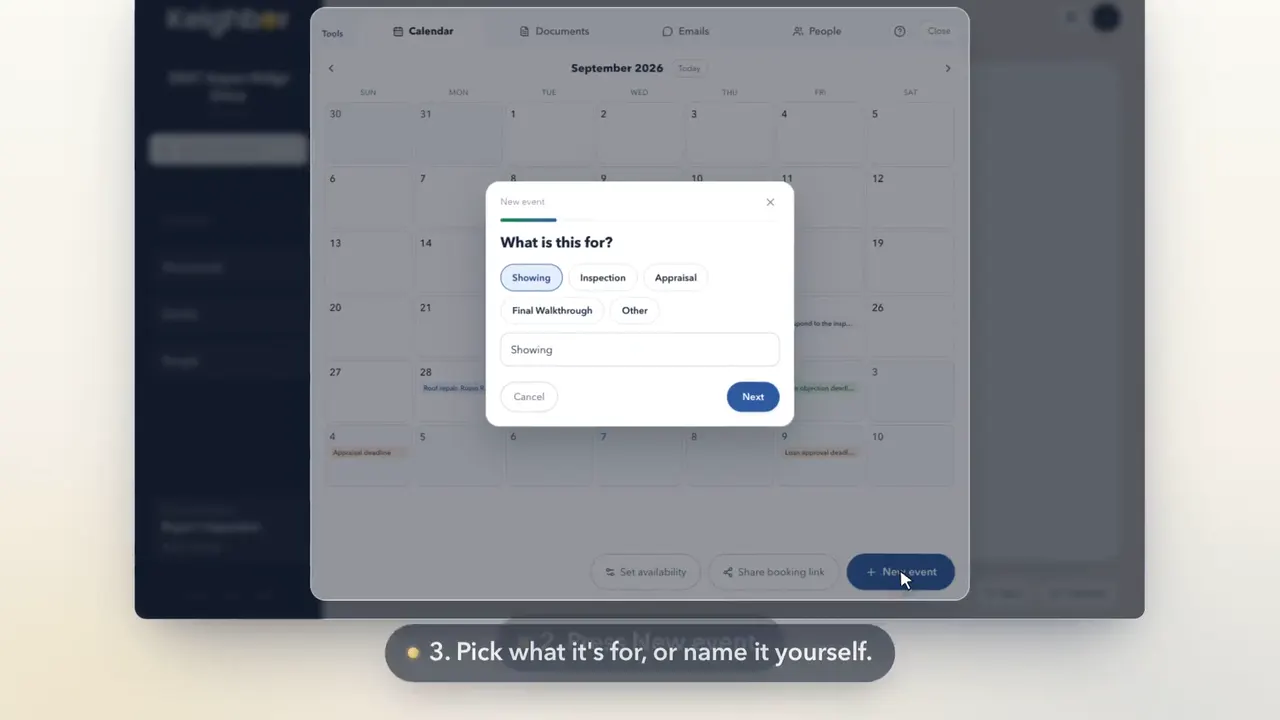 0:25How to put a date on your calendarHow do I add an appointment or a deadline to my calendar?
Pick the part you're standing in.
Reading before you have a Room? Setting one up takes two minutes, and nothing starts a clock.
Getting around
What the room is, and where everything sits.
The work itself
Your path, your steps, and the gold button.
People and mail
The people on your sale, and what they send you.
Papers and signing
Documents, filling them in, and getting them signed.
Showings and visits
Your calendar, your available hours, and showing requests.
Money
Your price, your costs, and your estimated proceeds.
Getting your home seen
Your sale sheet, your page, and where to post it.
Your account
Signing in, your details, and your past sales.
What Keighbor is, and what it isn't.
And what happens to your information.
Who else can see this room?
People can see your Room only if you invite them and give them access. Our privacy policy explains access for service providers, support, and legal reasons. Adding someone to your People list doesn't give them a way in. It's a record you keep. If an agent set this room up and sent it to you, they can't see inside it either.
Is my work saved?
Yes. Worksheets save as you type, and everything else saves when you press the button that does it. If something doesn't save, we'll say so. What you wrote stays on screen.
Do I have to do the steps in order?
No. Your path is the usual order, not a lock. The milestones before your listing can be done in any order. They all feed the same thing. The gold button opens the next available step. You can open any milestone yourself instead, and you can pick what to start with.
Can I use this on my phone?
Yes. The menu becomes a drawer and the room stacks into one column. Every feature works on a phone, though filling and signing documents may be easier on a larger screen.
Something's broken. Who do I tell?
Under My account. It asks three questions and sends them to us. Use it for a problem, a missing feature, or an idea.
What does it cost to sell this way?
Selling without a listing agent usually means you aren't paying a traditional listing-agent commission. You may still pay for listing services or a buyer's agent. Other possible costs include title or closing work, recording fees, taxes, buyer credits, and preparing the home. The calculator subtracts the amounts you enter from a possible sale price to estimate what may remain.
Can I get on the MLS without an agent?
Homeowners generally can't enter a listing directly into a local MLS. A flat-fee MLS service uses a licensed broker to enter it for you. Share your home explains that option, its possible costs, and the sites that accept direct owner postings.
My buyer pulled out. What now?
Some accepted offers don't reach closing. If that happens, the work you've already done can stay with the property. The room notices when a termination document or a message like that arrives, and it asks rather than assuming. You can archive the sale and start fresh for the same house. Your photos and everything you wrote carry over.
Can you tell me what to do about my house?
No. Keighbor is not a licensed real estate agent, brokerage, law firm, or your representative. What's in here is general information about how a home sale usually works, plus your own facts organized in one place. For advice about your home or sale, including a contract term, disclosure, or tax question, talk with an appropriately licensed professional in your state.
What if I decide I want an agent after all?
You can add an agent at any point without losing the work already in your room. Compare agents privately. If you choose one, Your path shows the steps they're part of and names them there.
Ask a person.
Questions, confusion, ideas, complaints. All of it is welcome, and a person reads every message. Usually the one who built the thing you're asking about.
Rather talk? Book a free call with one of our engineers. Email works too: hello@keighbor.com. It lands in the same inbox as the box above.
Or call (307) 855-8450. By mail: Keighbor LLC, 30 N Gould St Ste R, Sheridan, WY 82801.
The quickest way to see it is to open one.
A Room takes about two minutes to set up. Nothing lists your home, nobody is contacted, and you can delete it whenever you like.
Organize my saleRoom setup is free. At listing, choose $89 through the offer or $189 through closing. It's $20 less in your Room's first 14 days.