Every sale in Keighbor gets its own email address, made from your house number, street and ZIP code. Email sent to it lands in your room and files itself.
Step by step
Open Emails in the menu.
Emails is the third row in the menu on the left.
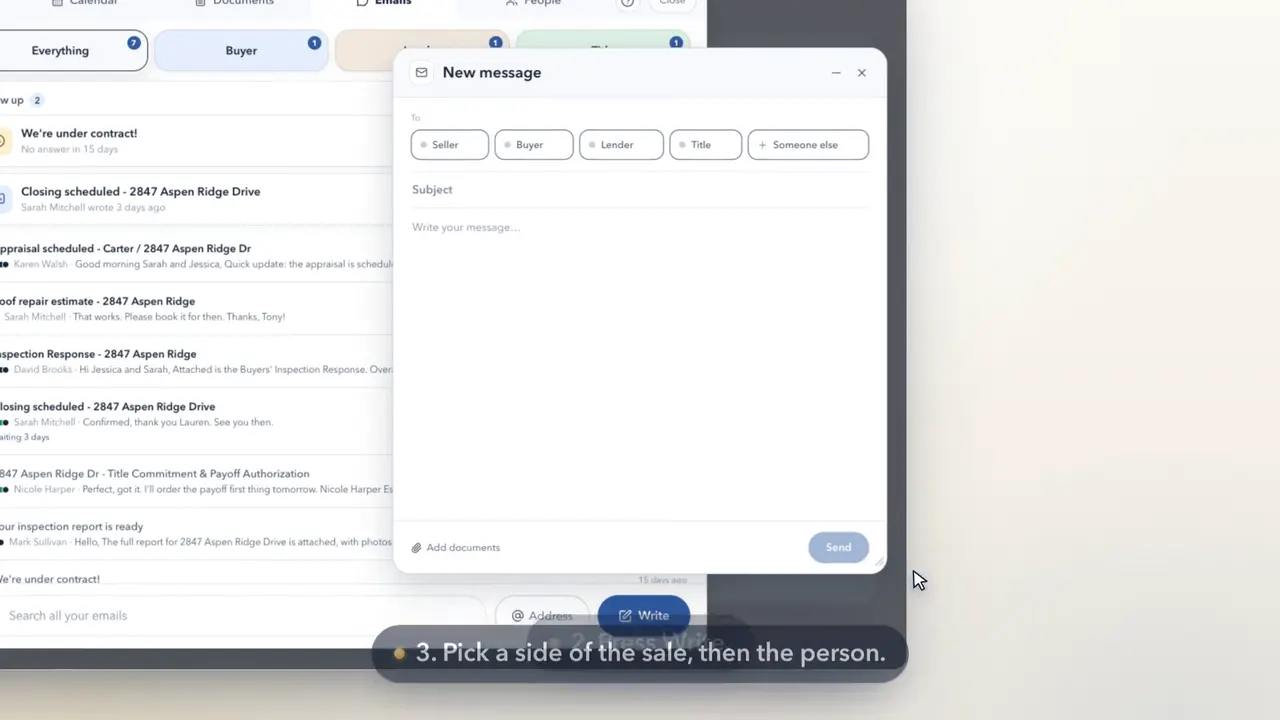
Press Address. It copies your sale's own email address.
It's beside Write, at the foot of the Emails panel. Pressing it copies the address and shows it.
Give it to your title company, lender and agent.
Paste it into an email or a text, or read it out. Anything they send to it lands in your room.
Or copy it on any email about the sale.
Add it as a CC when you write to anyone about the sale, and the whole conversation lands in your room too.
What they send lands here, filed under their side.
Their emails and attachments file under Buyer, Lender or Title, depending on who sent them.
Good to know
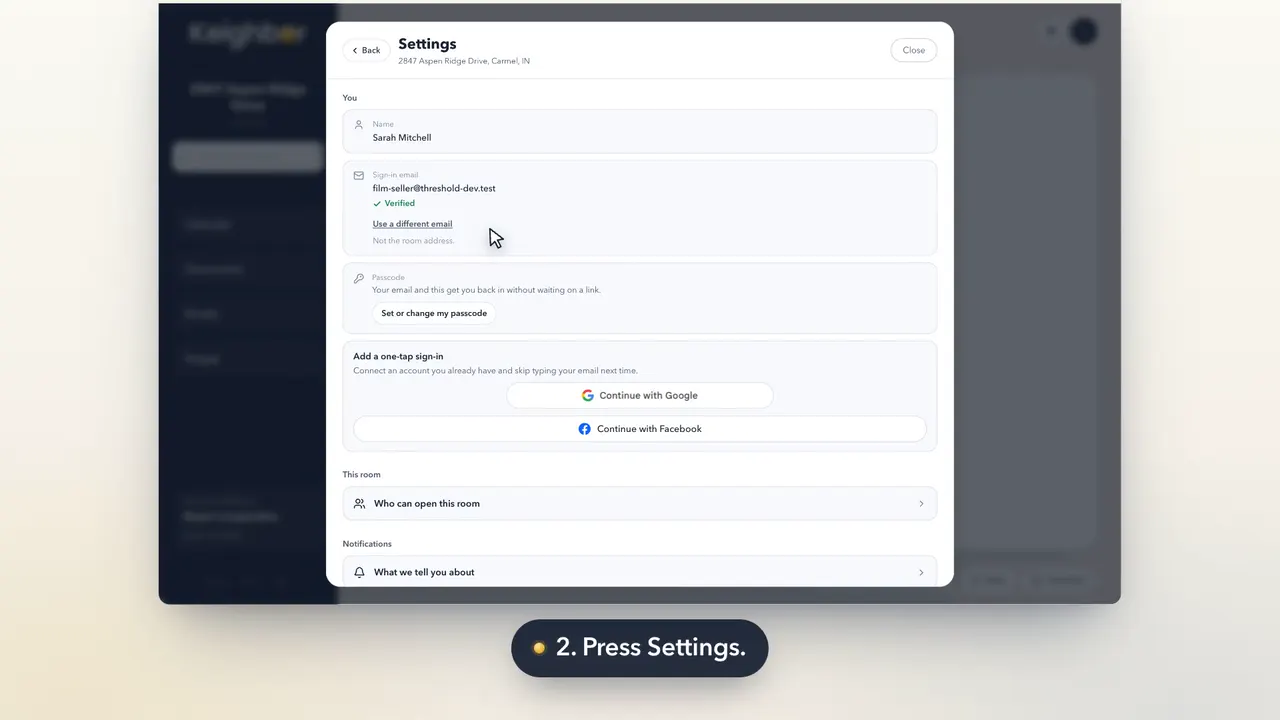
- It's also in My account, with a Copy button.
- Someone new who writes to it shows up for you to file, in one press.