People lists everyone on your sale, sorted by their side: yours, the buyer's, the lender's and the title company's.
Step by step
Open People in the menu.
People is the fourth row in the menu on the left.
Press Add someone new.
It's the blue button at the foot of the People panel.
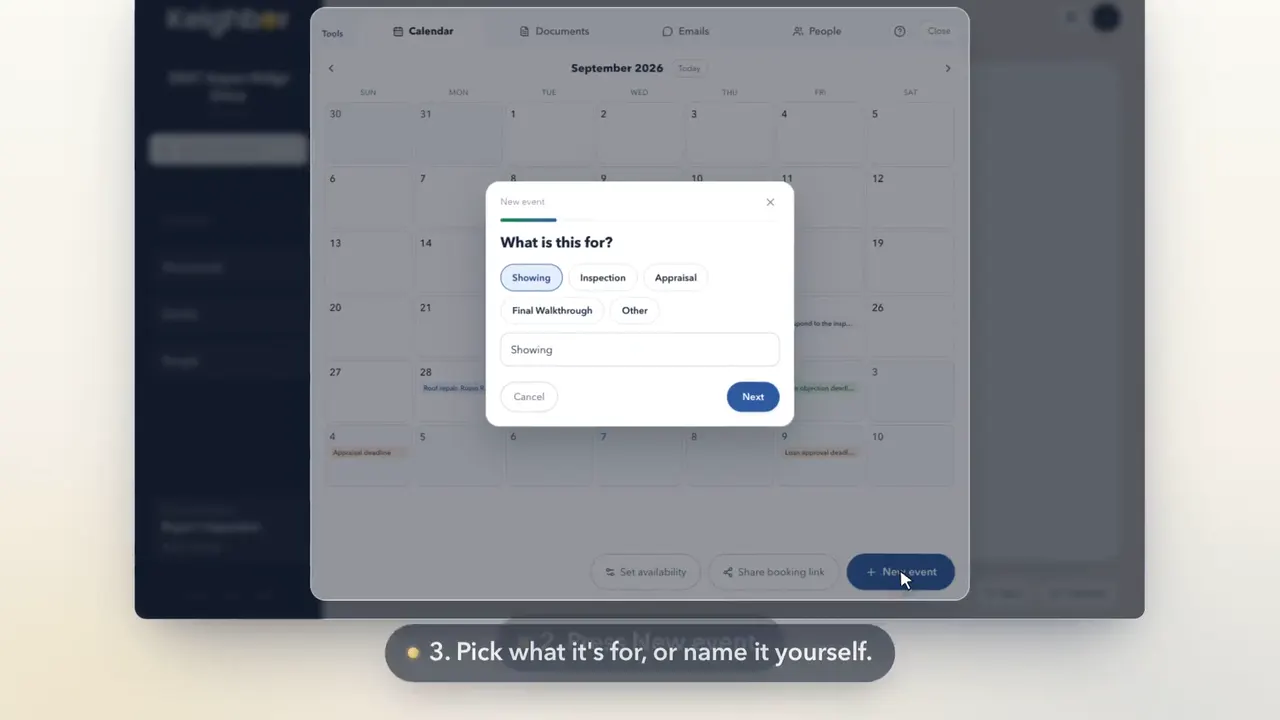
Pick who they are to the sale.
Choose the buyer, a lender, title or closing, a real estate agent, or someone else helping, like an inspector or a mover.
Type their name, their company and what they do.
Only the name is needed. A company and a role help you tell people apart later. Then press Next.
Add how to reach them. Nothing is sent to them.
Their email is how your room knows which emails are theirs. A phone number is optional. Then press Next.
Check it over, then press Add.
Press That's everyone, or add another person in the same role first. Check the details, then press Add.
Good to know
- Adding a buyer, a lender, a title company or a helper emails them nothing.
- When it's time, their card under People has a button that sends them your sale's email address.