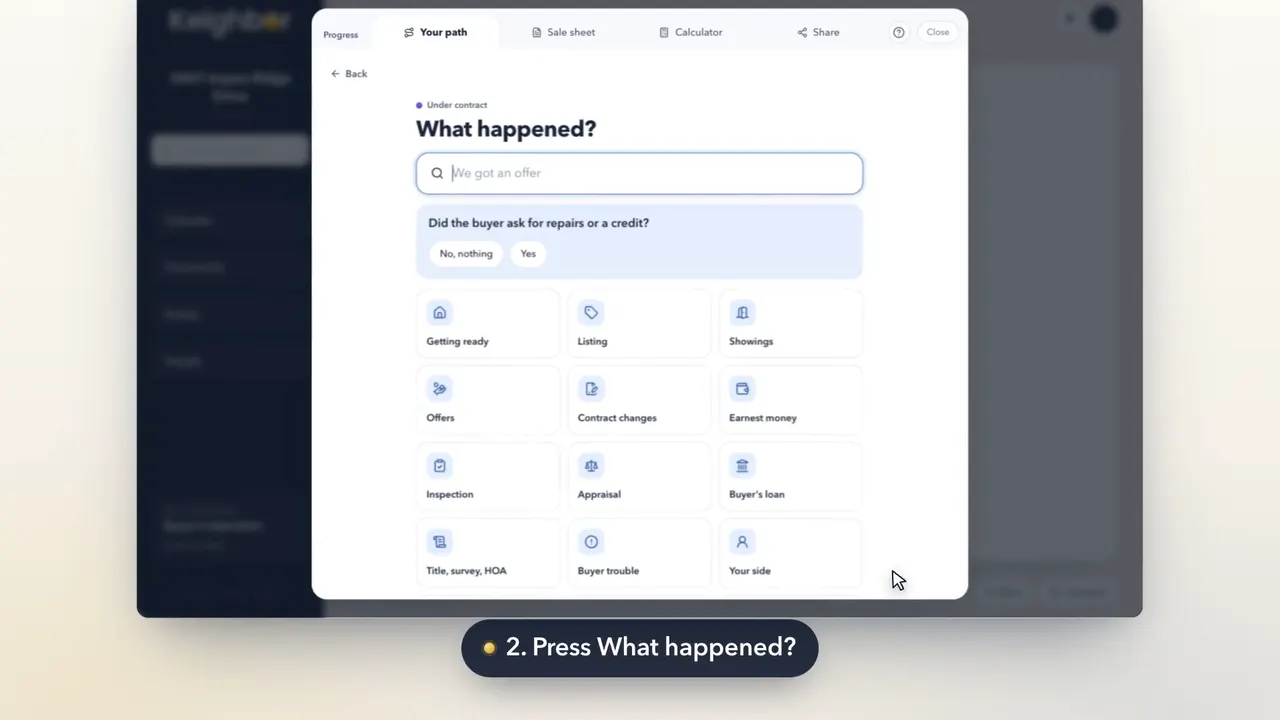
Your path is the checklist for your whole sale, from getting ready to closing. Ticking a step tells your room it's done, and the next one comes up.
Step by step
Press Progress, at the bottom of your room.
Progress is at the foot of your room, beside Sale sheet, Share and Calculator.
Open a milestone to see its steps.
Press a milestone's name to see its steps. The ones for you now are at the top.
Press the circle beside a step when it's done.
The circle fills with a check. When a milestone's last step is ticked, the milestone is done.
Some steps are questions. Press one to answer it.
A question step shows its answers. Pick the one that's true, or Not sure yet, and we'll ask again later.
Good to know
- Pressed one by mistake? Press the circle again to untick it.
- Press a step's words to open it. Many steps have a written guide under How to do this.