Watch how it's done.
9 short videos, each one task from start to finish. Every step is captioned and written out under the video.
New here? Watch the setup, and see what every setup question means.
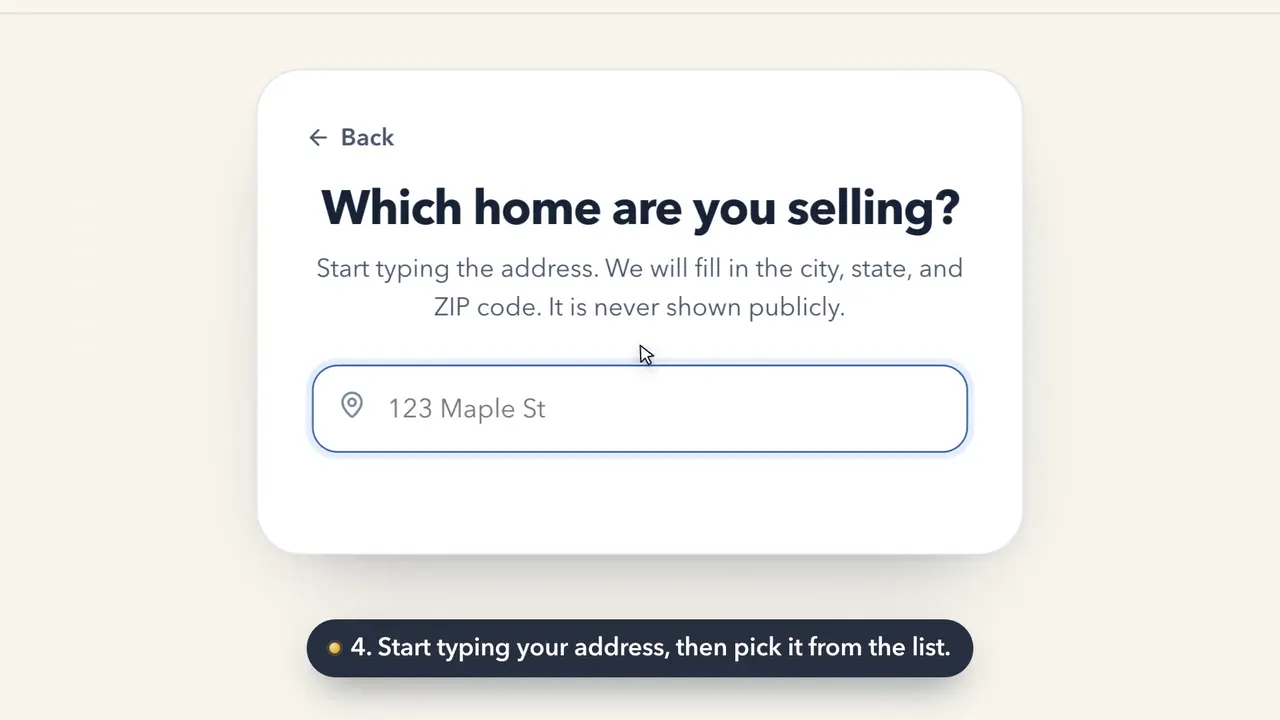 1:35How to set up your RoomHow do I sign up for Keighbor and set up my Room?
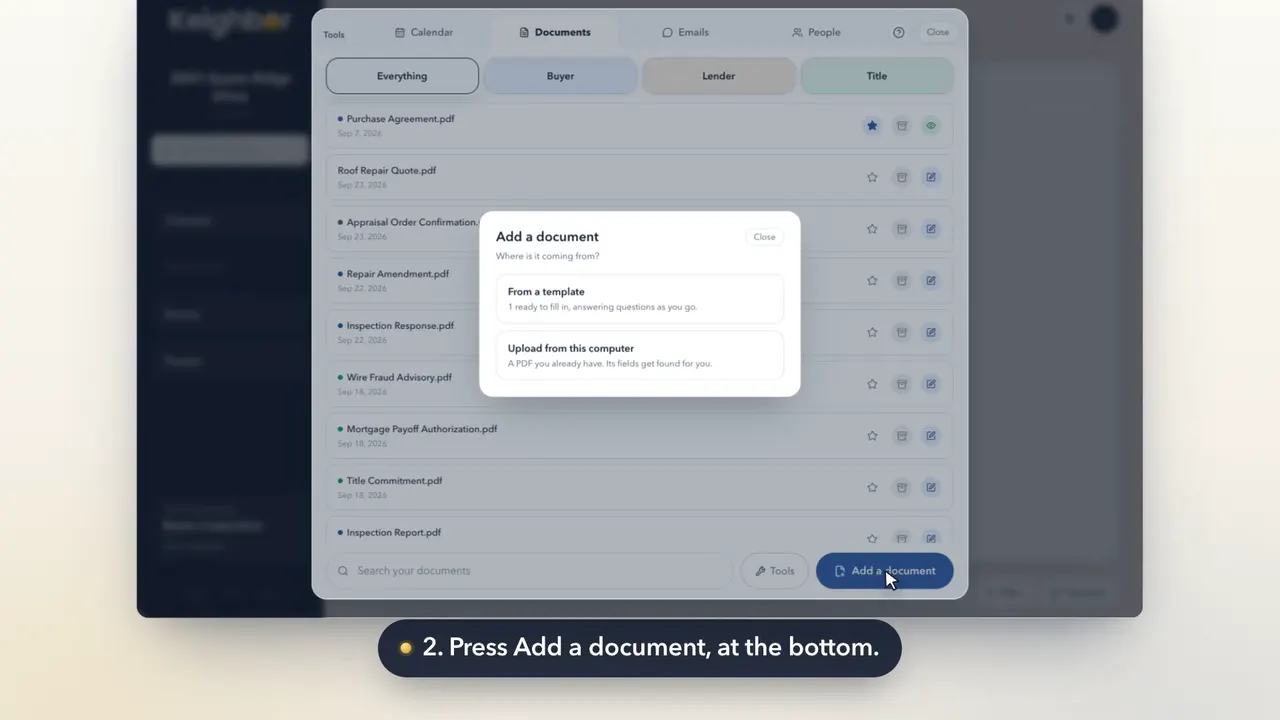 0:21How to add a documentHow do I upload a document to my Room?
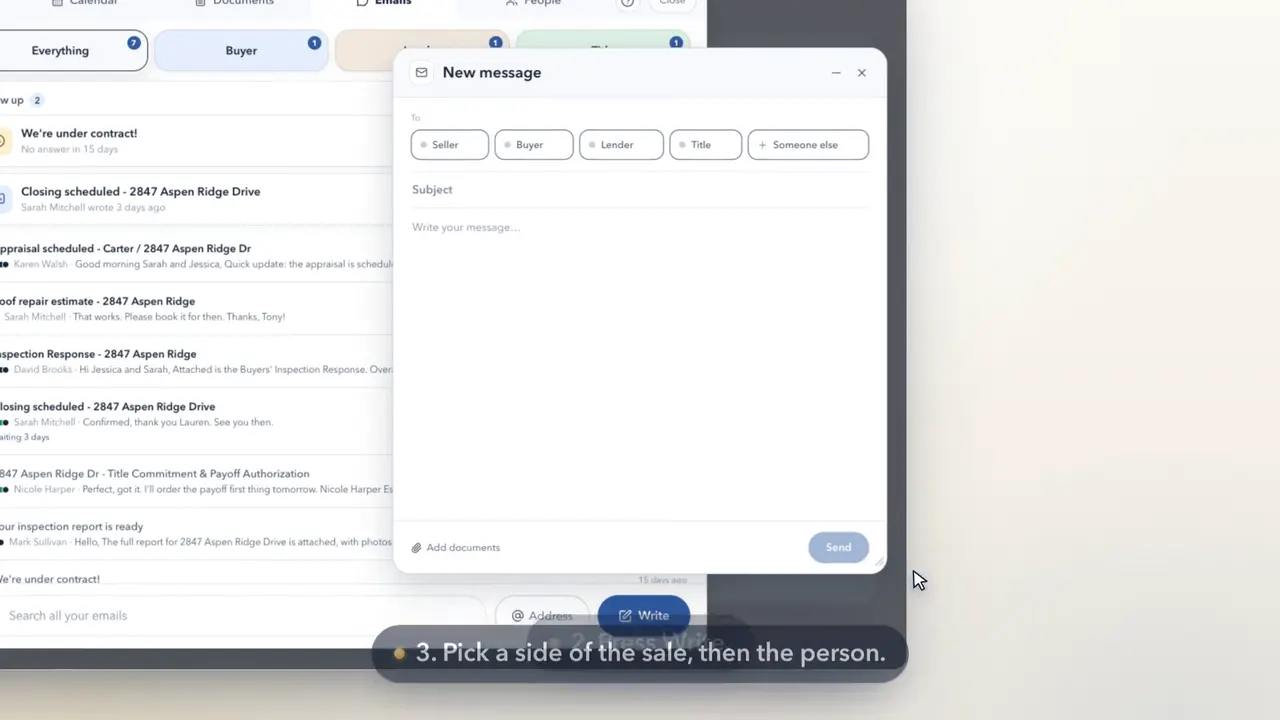 0:26How to write an email from your roomHow do I send an email from Keighbor?
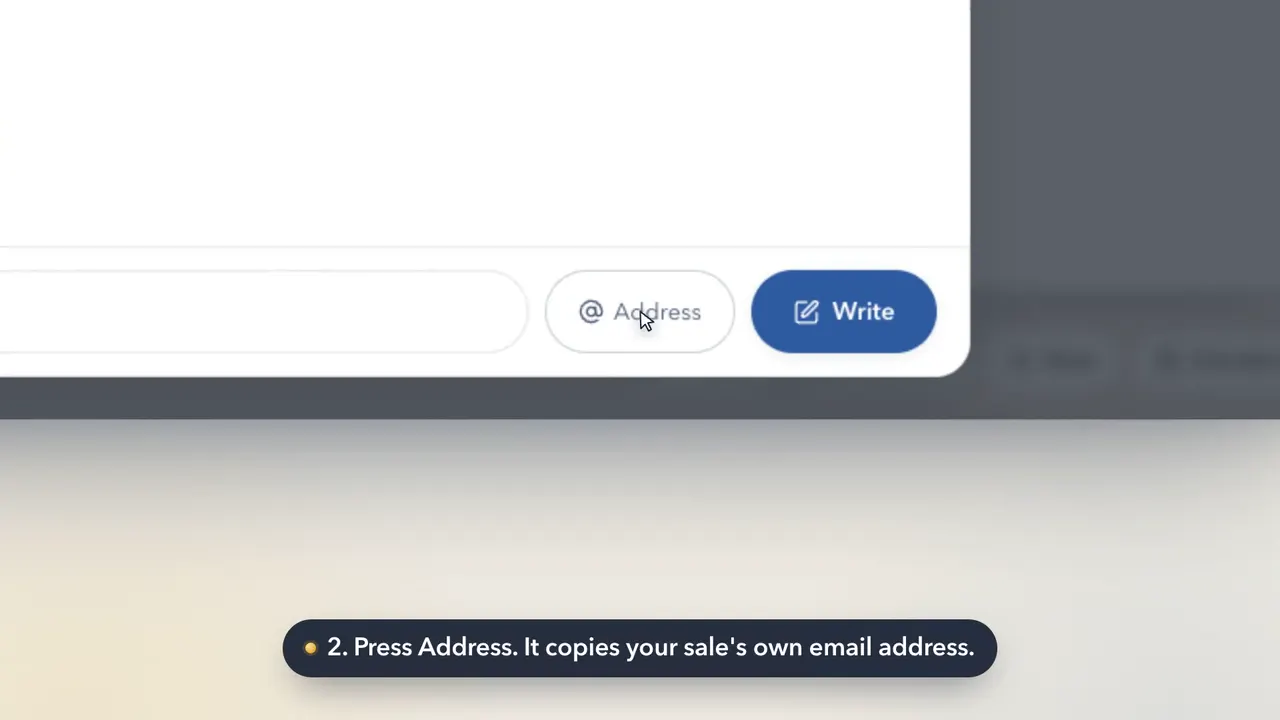 0:26How to use your sale's email addressWhat is my sale's email address, and who do I give it to?
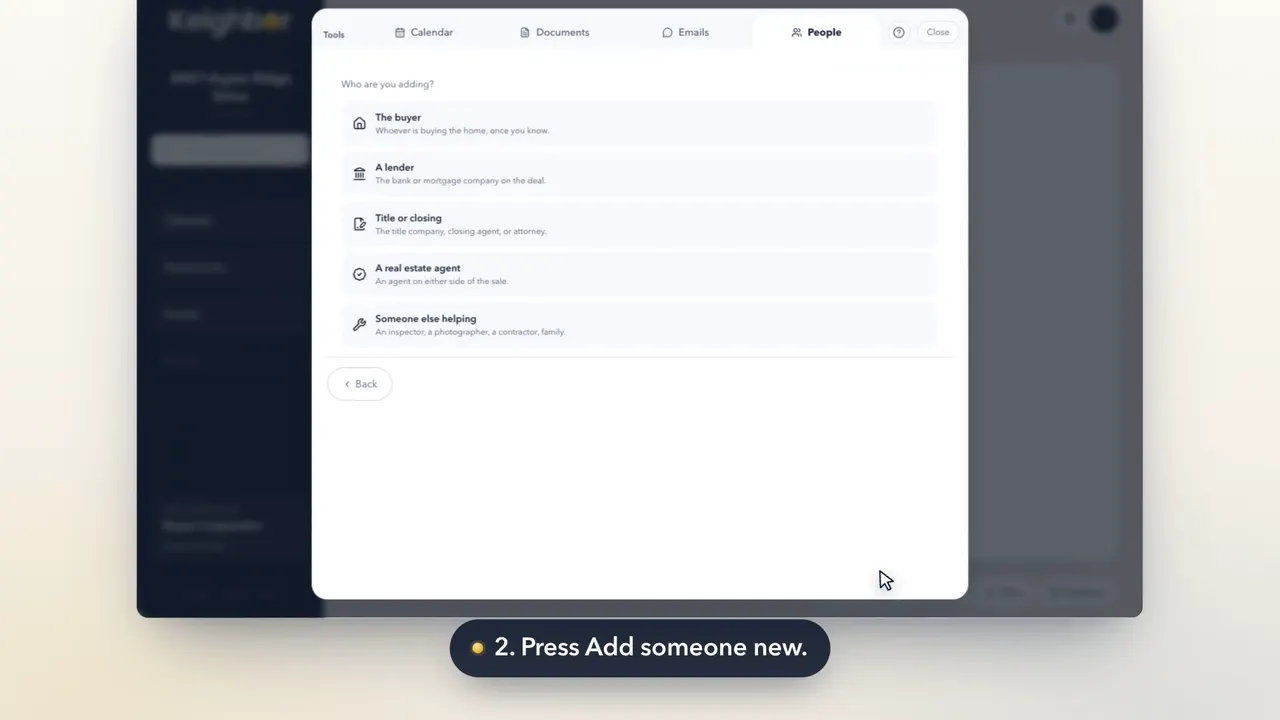 0:25How to add someone to your saleHow do I add a person, like a mover or an inspector?
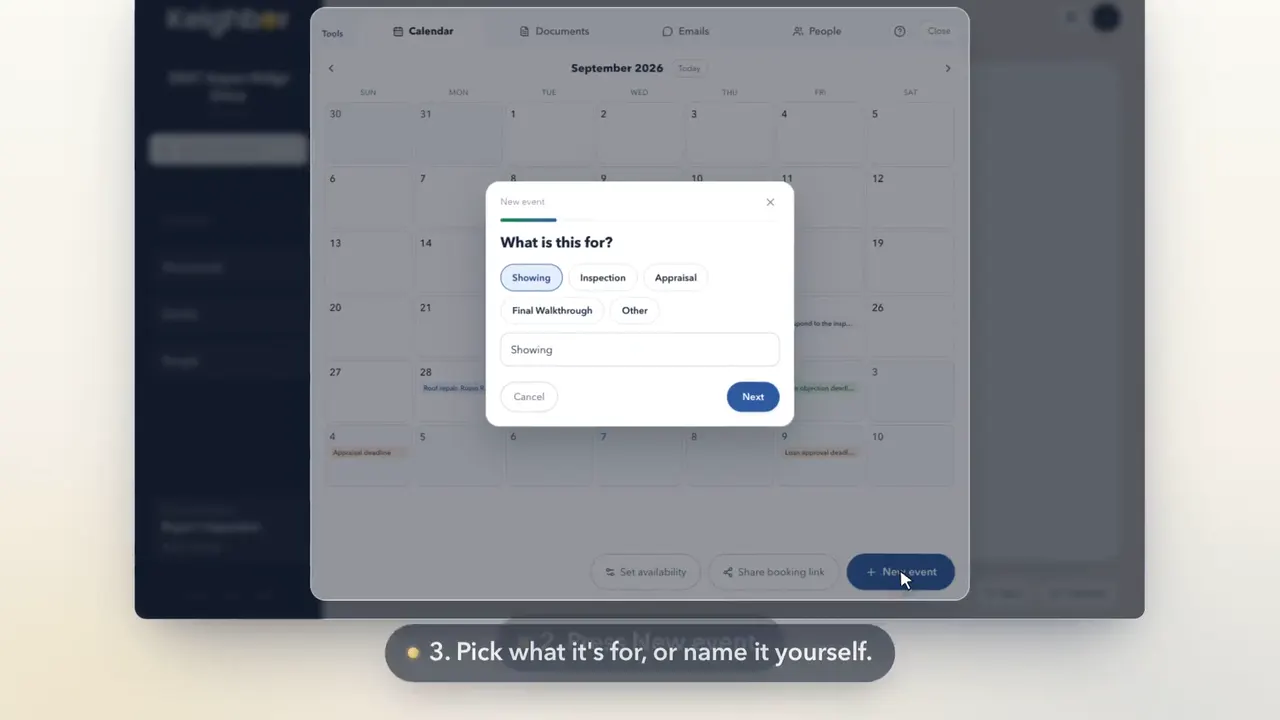 0:25How to put a date on your calendarHow do I add an appointment or a deadline to my calendar?
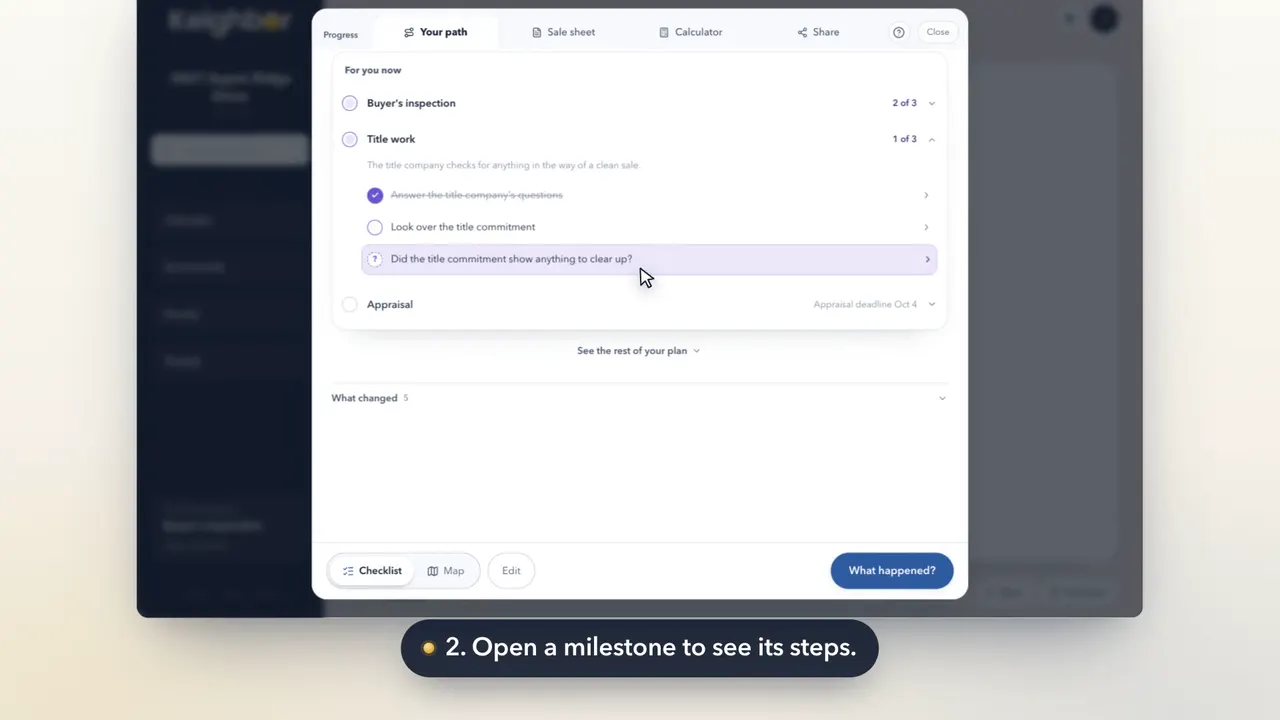 0:19How to tick off a stepHow do I mark a step done on my checklist?
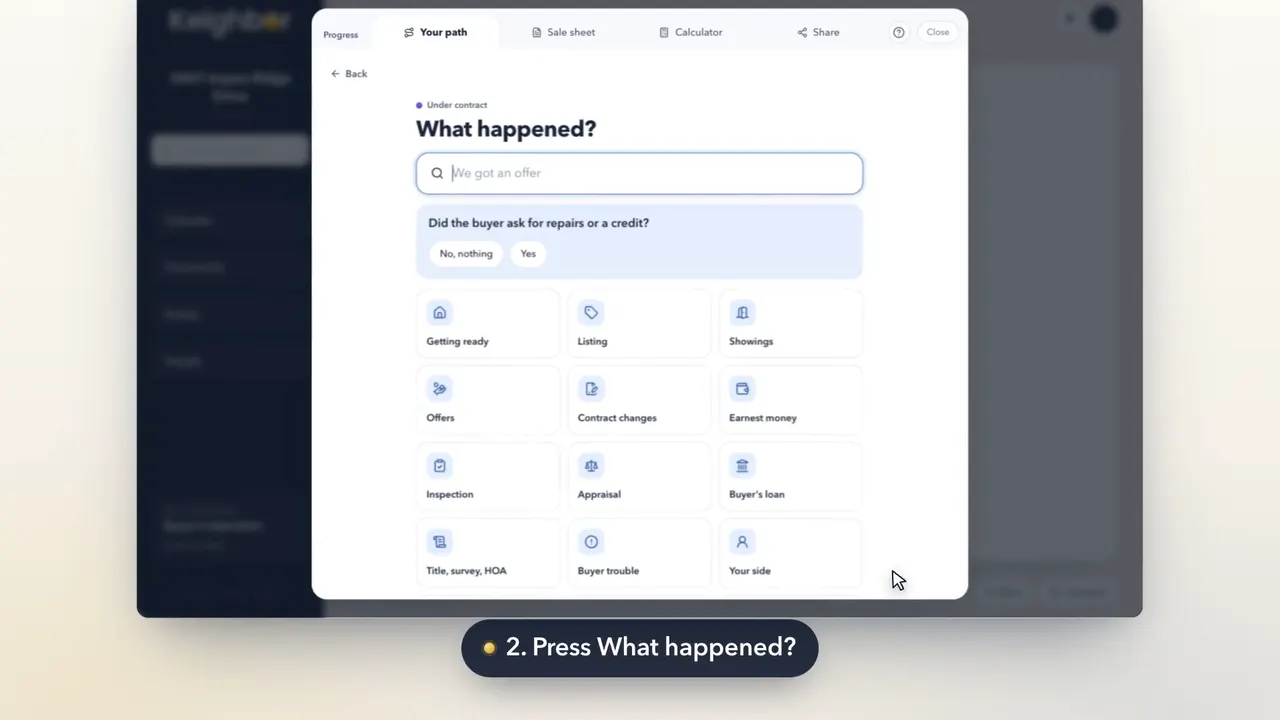 0:26How to update your plan when something changesThe closing date moved. How do I change my plan?
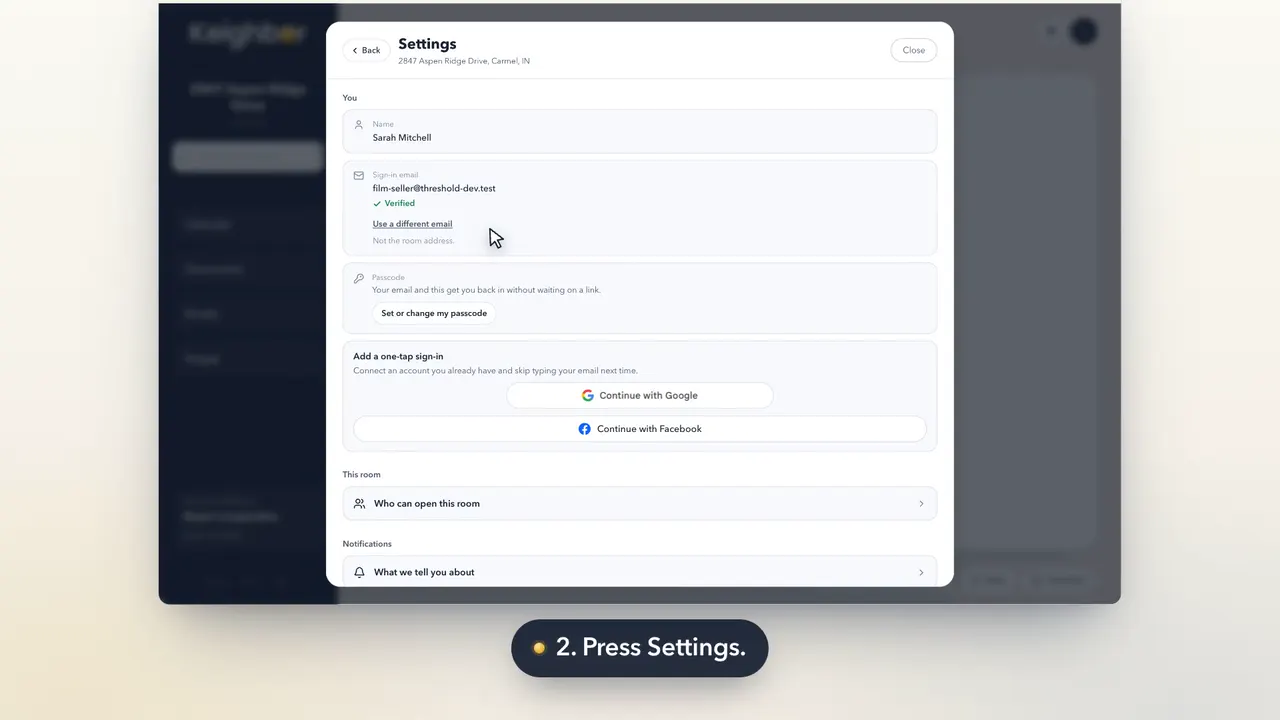 0:18How to choose what we email you aboutHow do I change my notifications or stop the emails?
Still stuck on something?
A person reads every message. Tell us what you were trying to do, and we'll show you.
Ask a person