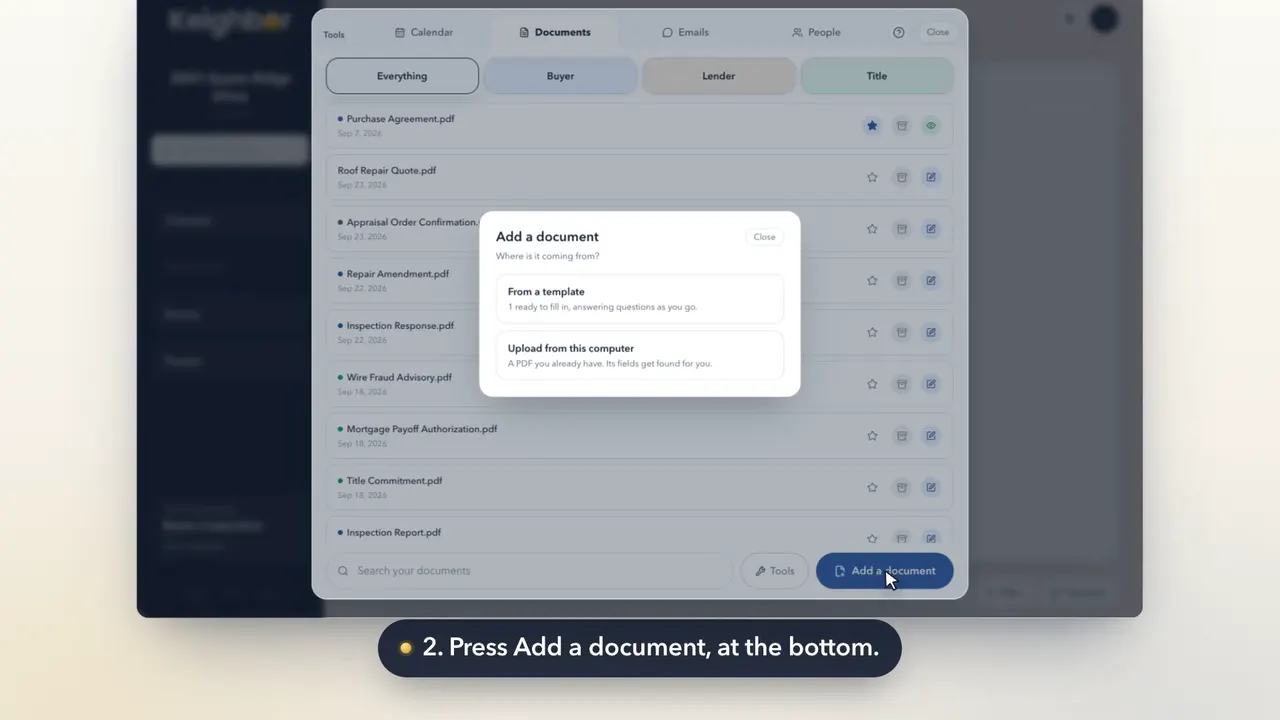
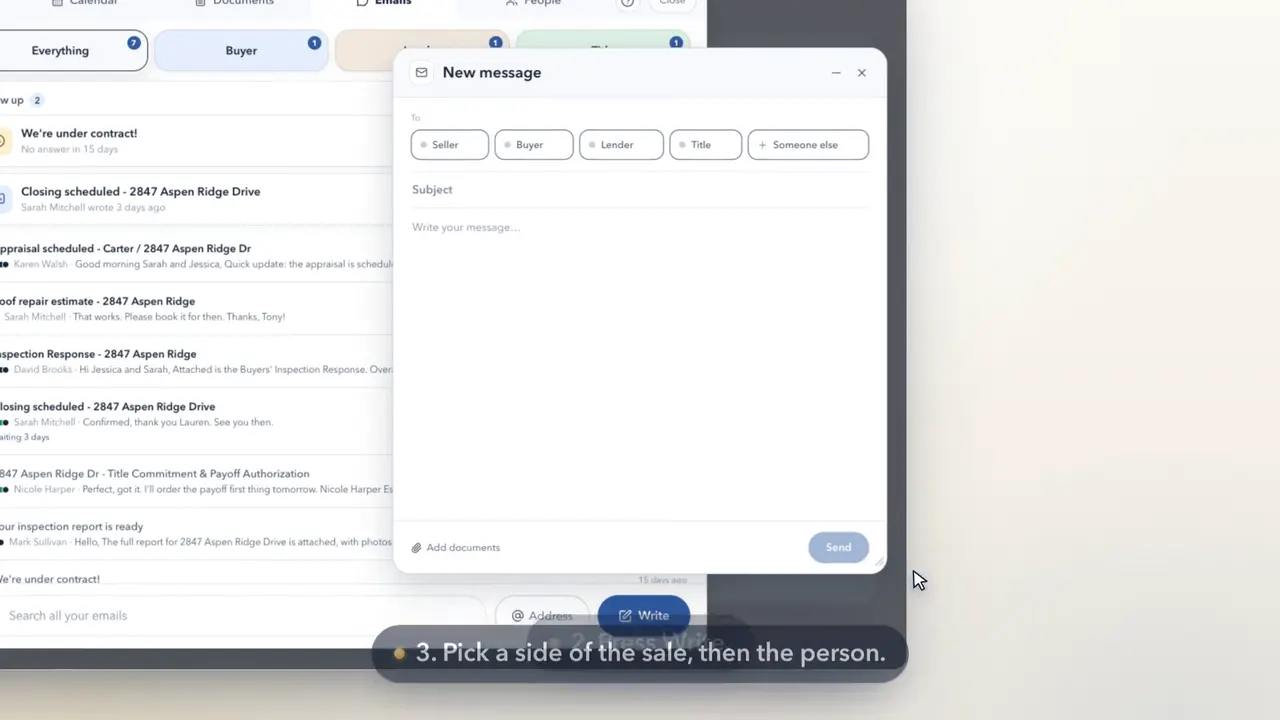
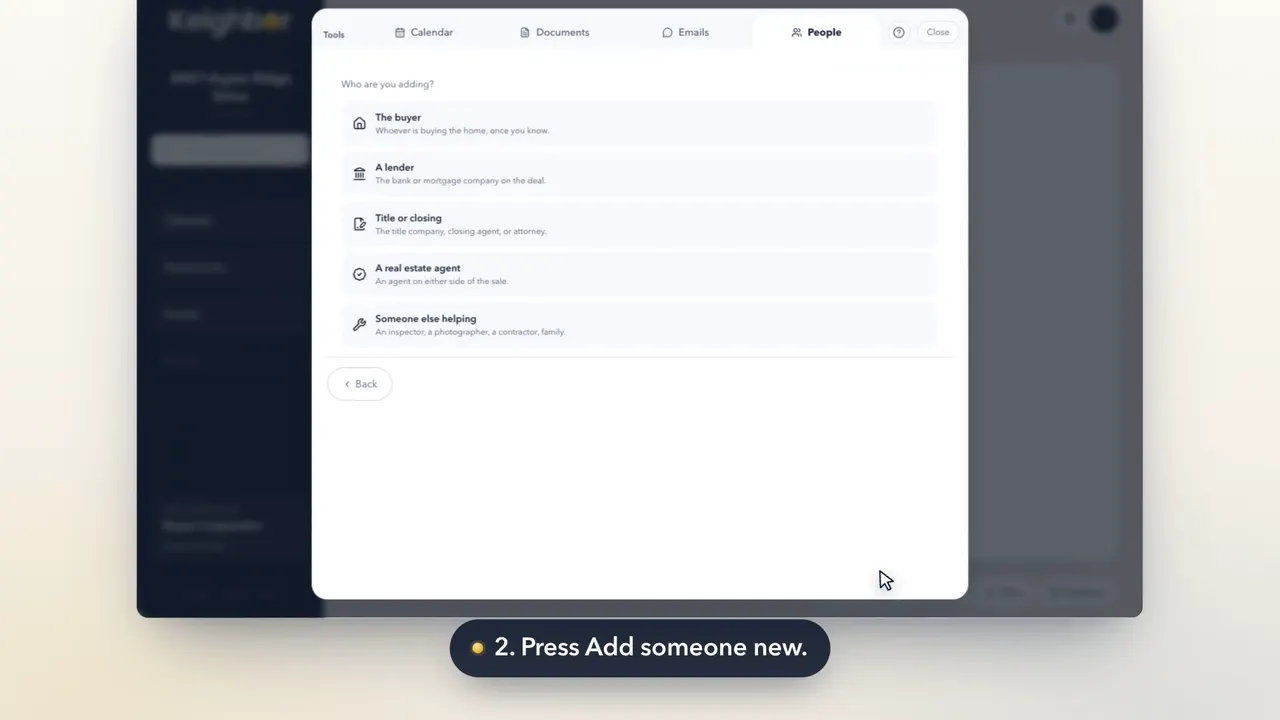
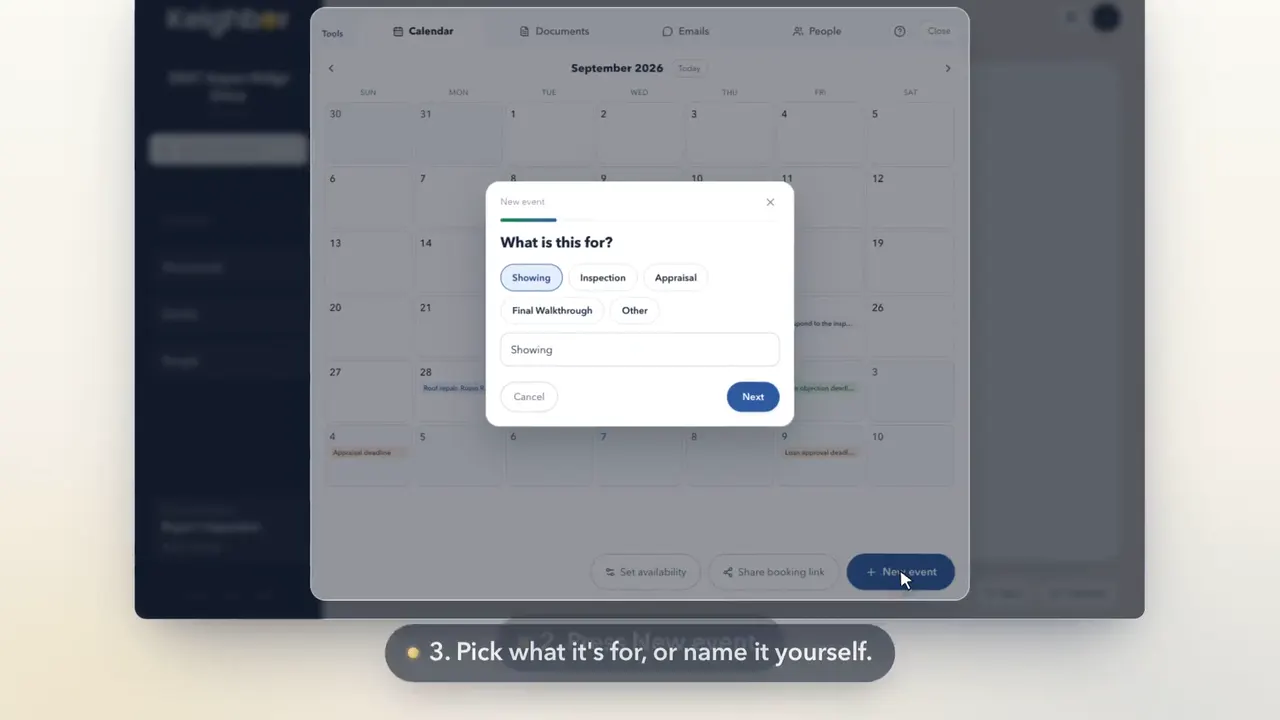
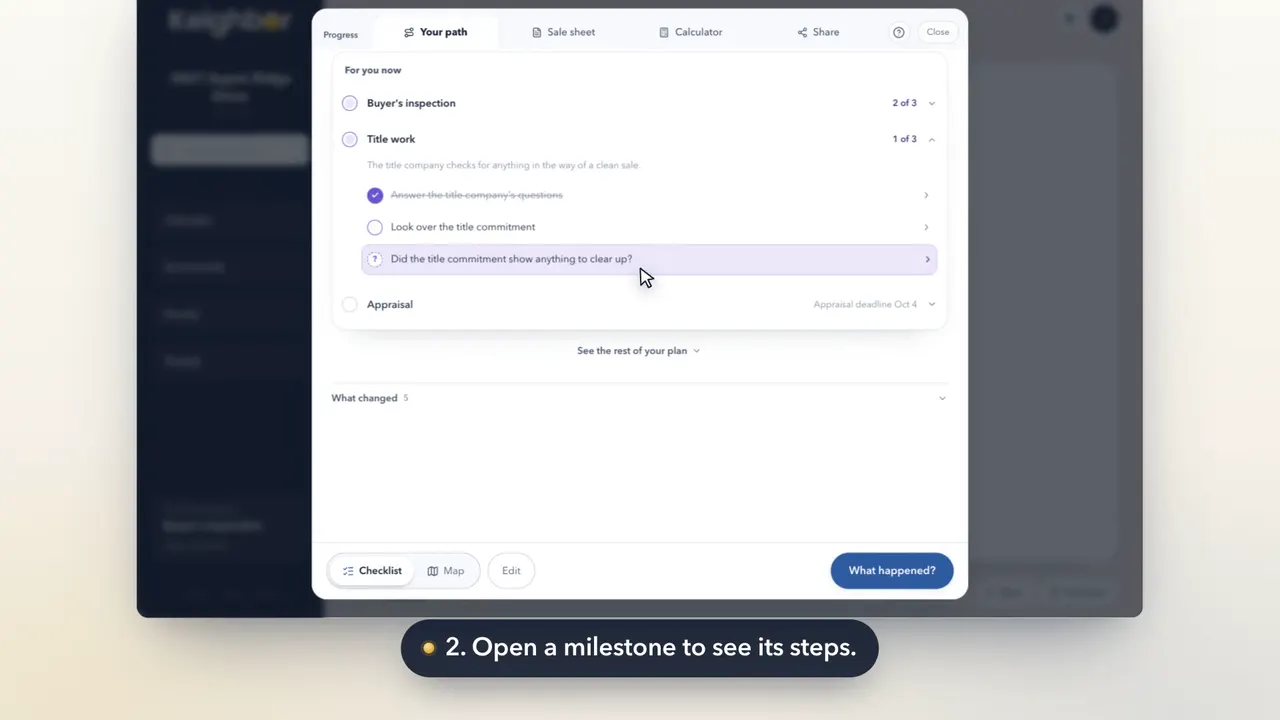
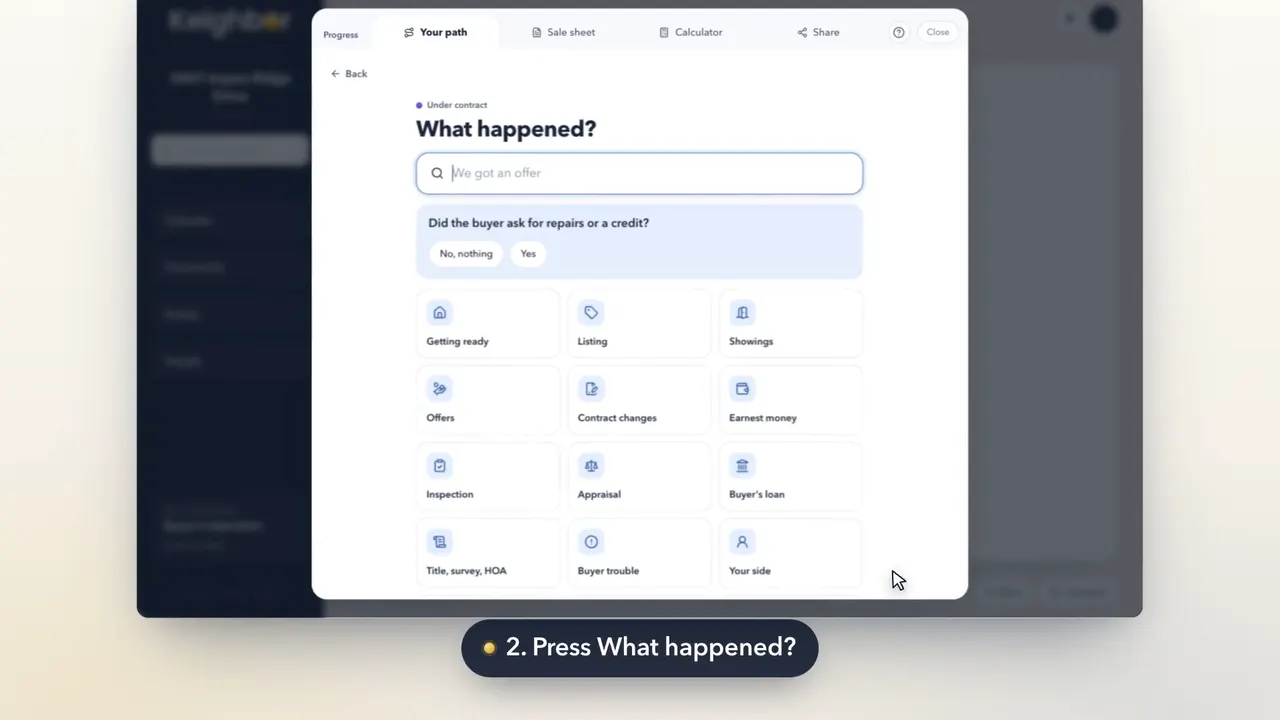
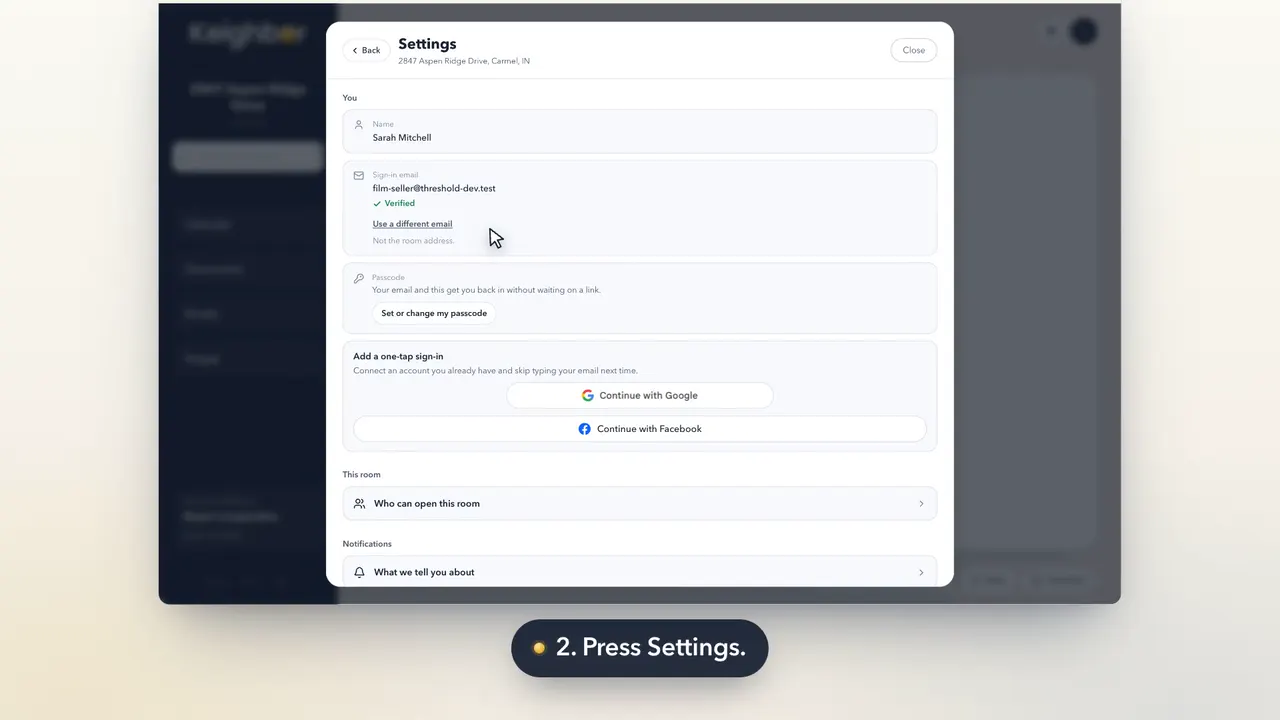
Setting up takes a few minutes. You make an account, add your home, and answer a few questions. Your plan is drawn from the answers.
Step by step
Press Continue with my email, or sign in with Google.
On the first screen, press Continue with my email. Google or Facebook works too, and then there is no passcode to remember.
What this means, and how to answerType your name and an email you can open later.
Type your name and an email you can still open after the sale. Press Continue.
What this means, and how to answerPick where you are with your sale.
Pick where you are in your sale. Everything before that point is ticked off for you.
What this means, and how to answerStart typing your address, then pick it from the list.
Start typing the address and press it when it shows. If it doesn't, press Enter the address yourself.
What this means, and how to answerYour Room is made. Press Let's go.
Your Room exists now. Press Let's go.
What this means, and how to answerWe email you a code. Type it in to prove it's your email.
Press Send me a code. Type the code from the email, then press That's me.
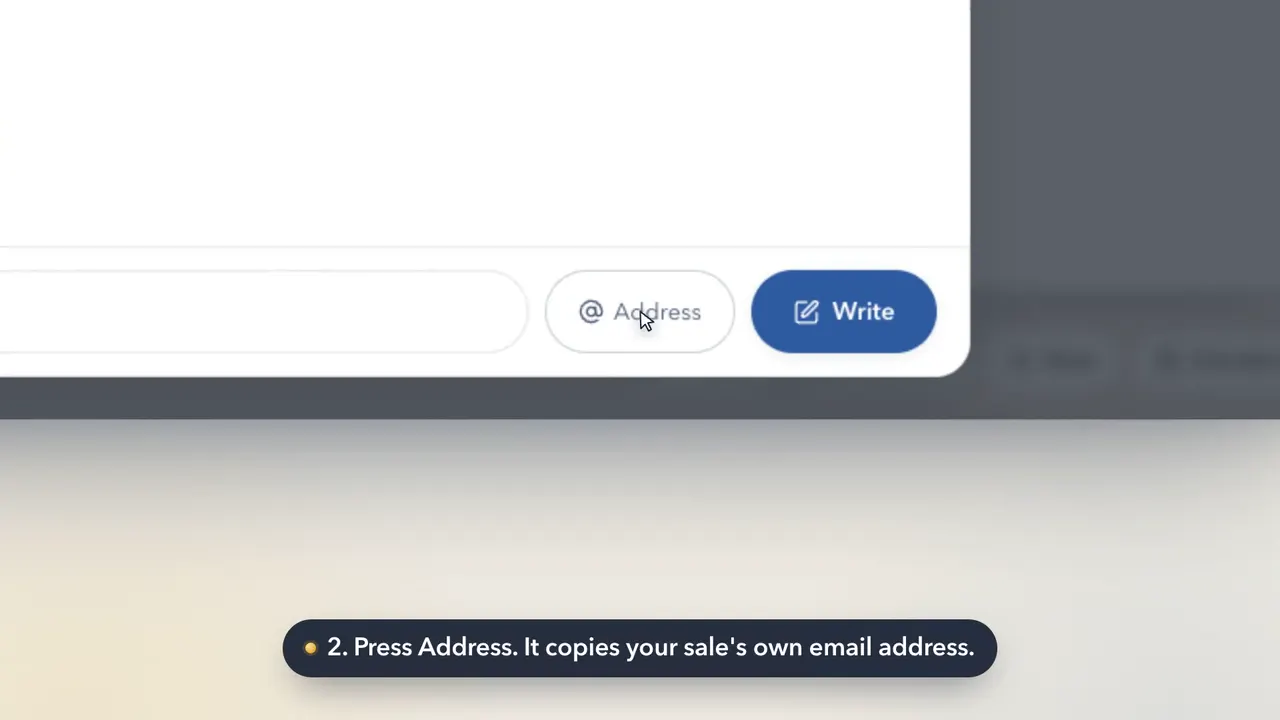
What this means, and how to answerYour sale gets its own email address. Copy it any time.
Your sale has its own email address. Mail sent to it lands in your Room. Press Got it.
What this means, and how to answerRead what Keighbor is and isn't, then tick I understand.
Read what Keighbor is and isn't. Tick I understand and press Continue.
What this means, and how to answerAnswer a few questions. One tap moves you on.
Answer each question. A single tap moves on by itself. Your plan redraws beside the questions.
What this means, and how to answerNot sure yet? Say so. It becomes a note on your plan.
Not sure of something? Pick Not sure yet, or No date yet. It becomes a note on your plan, never a guess.
What this means, and how to answerPlan a little more now, or go straight to your Room.
Plan a little more answers the rest now. Go to my room saves them for later.
What this means, and how to answerPick a passcode, so you can sign in on any device.
Type a passcode twice. It needs six characters and a number. Skip for now works too.
What this means, and how to answerHere's your plan, in four stretches with rough dates.
Your plan shows as four stretches with rough dates. Press Next.
What this means, and how to answerPick what you'd like to start with.
Pick what you'd like to start with. Your Room leads with it.
What this means, and how to answerBook a call with us if you'd like a hand. Then open your Room.
Book a free call if you'd like a hand, or press Not now, open my room.
What this means, and how to answer
Good to know
- Every question can be answered later. Your plan lists what's left.
- Your address is never shown publicly.
- A Room is free until you list.